Paperless for Manufacturing

Capture, sign, and archive inspection reports. Right at the machine.

Complete checklists, acceptance tests, and safety briefings on a tablet – with photos, measured values, and a legally valid signature. Results flow automatically into your ERP, QMS, or MES.

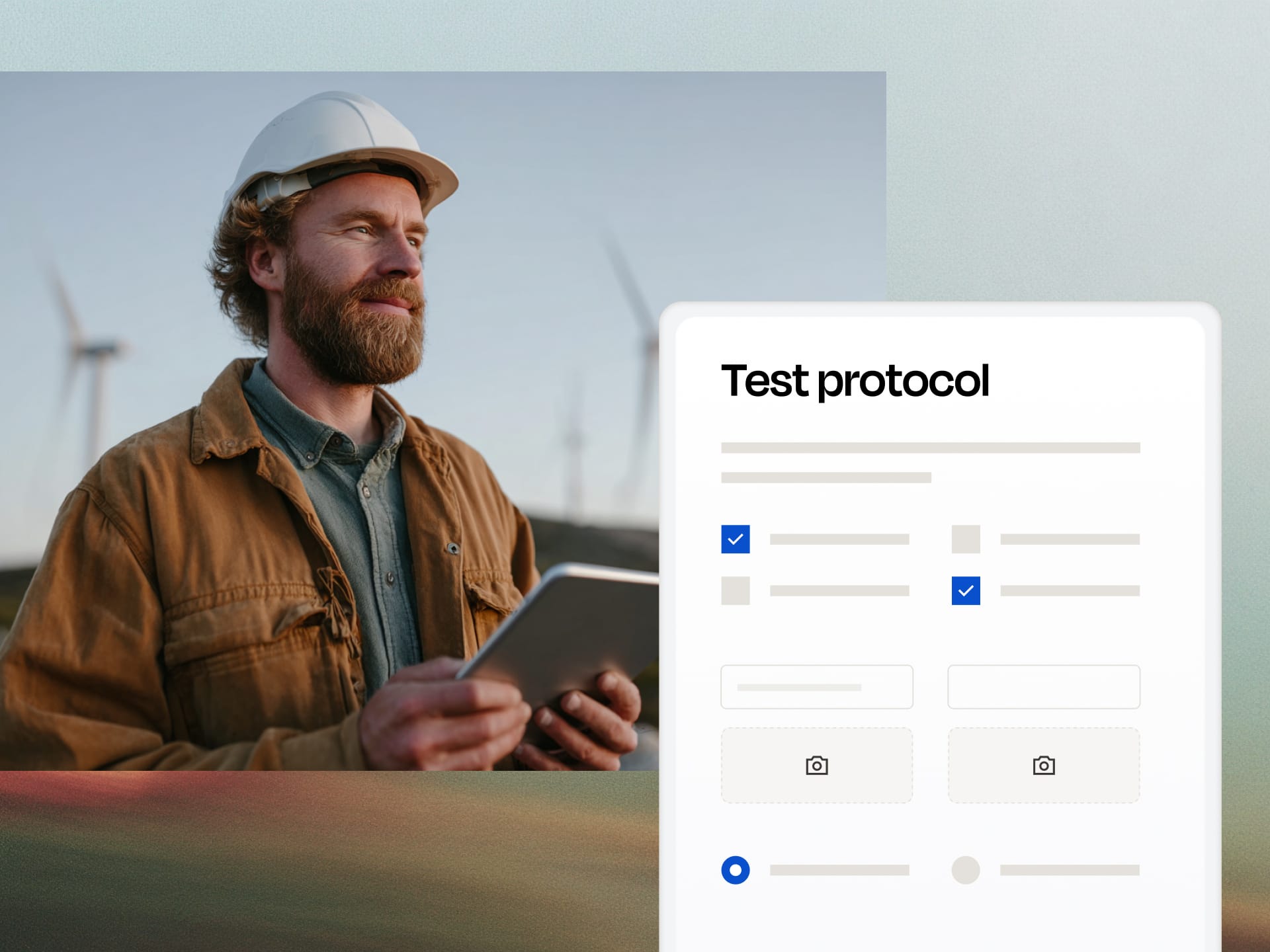
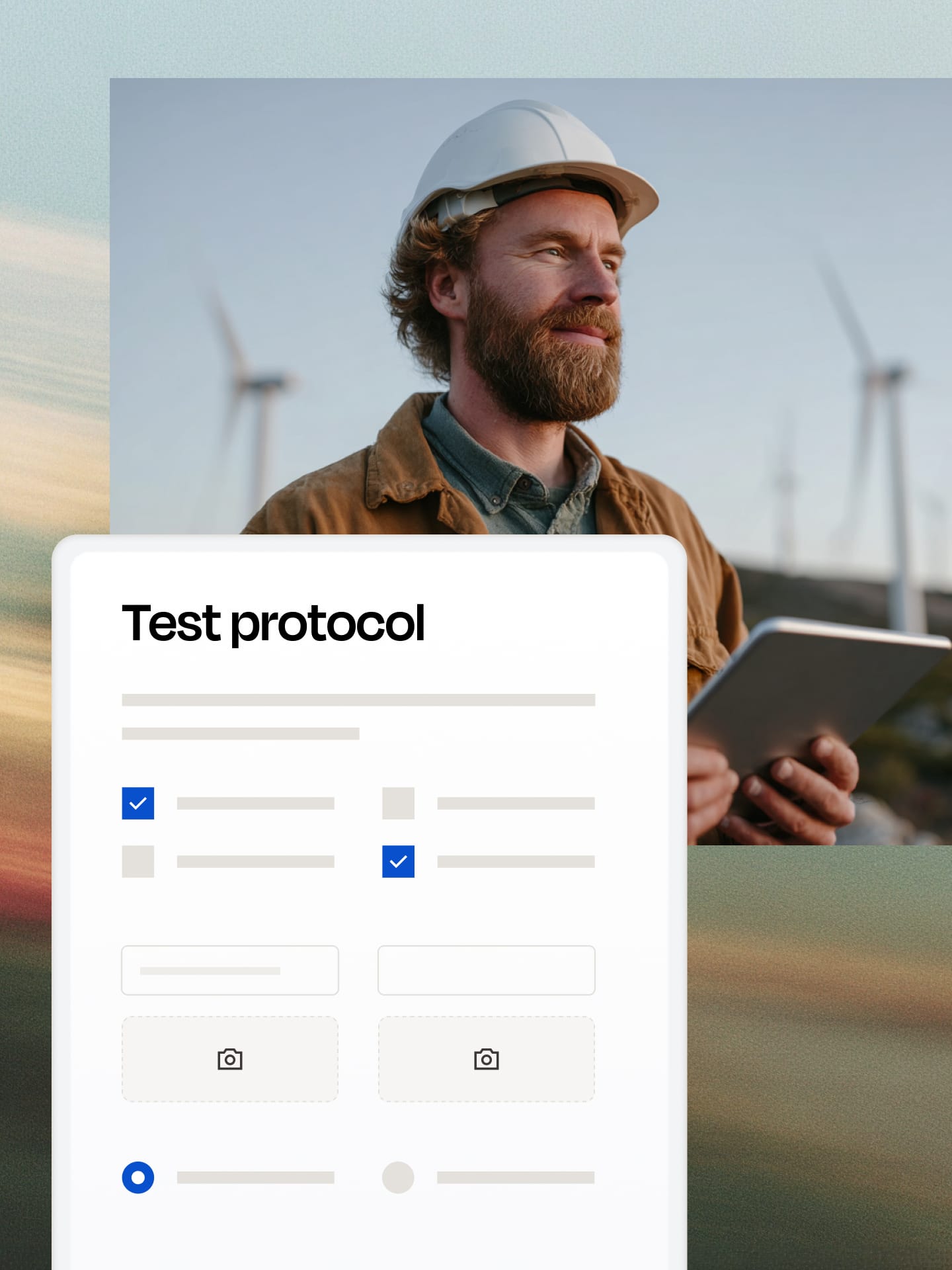
A man wearing a hard hat and a beard is holding a tablet against a backdrop of wind turbines; in the foreground is a digital inspection report interface with checkboxes and input fields.Digitales Prüfprotokoll in Paperless als Beispiel für ein Industrieformular.

Trusted by over 4,500 customers across Europe

On paper today. Provable tomorrow.

Status quo

The report is filled out from memory at the end of the shift – a story, not evidence.

A skipped inspection step goes unnoticed until the defect reaches the customer.

When the audit comes, someone spends two weeks searching binders for what should take minutes.

14 days

Audit preparation

With Paperless

Icon: Erfolgreich bestätigt, vorhanden, checkmark. Blau. Duotone.

Captured as the work happens, with timestamp, photo, and signature on the device.

Icon: Erfolgreich bestätigt, vorhanden, checkmark. Blau. Duotone.

Mandatory steps can’t be skipped – a NOK immediately triggers rework.

Icon: Erfolgreich bestätigt, vorhanden, checkmark. Blau. Duotone.

Every report can be found in seconds, with a complete audit trail.

5 min

Audit preparation

One digital process for everyone who produces, maintains, and safeguards.

Icon Lupe mit Daten

Production & Quality

Complete inspection reports, incoming goods inspections, and acceptance tests right at the workstation. With OK/NOK fields, measured values, and photos – errors are caught while filling out the form, not during the audit.

Icon Werkzeug

Maintenance & Engineering

Maintenance reports, fault analyses, and setup reports on a tablet, even without network coverage on the shop floor. Signed by the technician and filed automatically per asset.

Icon Mensch mit Helm

Occupational Safety & EHS

Safety briefings, site inspections, and risk assessments with a verifiable signature from every participant. Deadlines and recurring sessions are handled automatically.

Captured where the work happens. Not at the end of the shift.

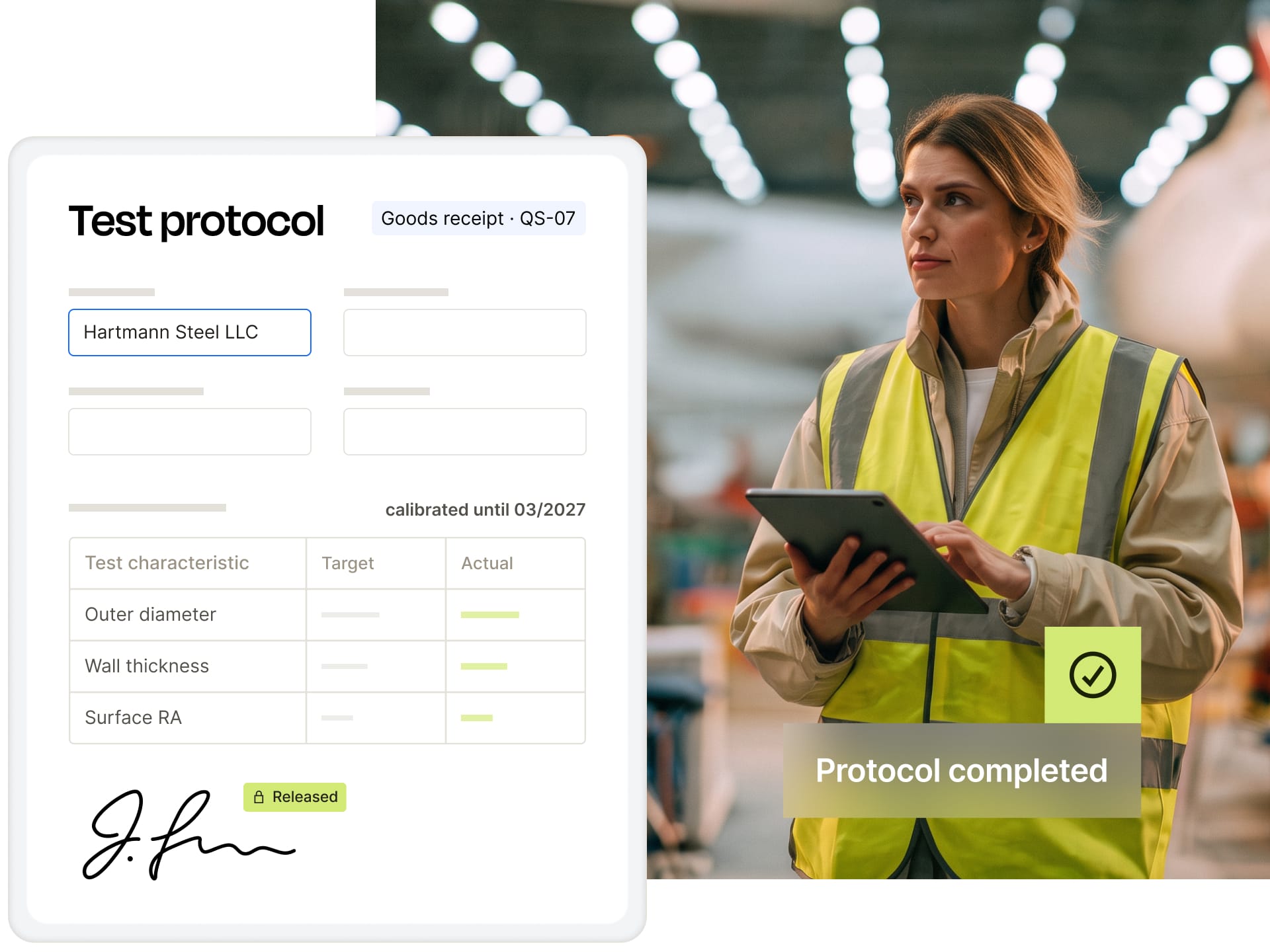
Fill out on any device – tablet, smartphone, or terminal, in the browser, with no app to install

Offline mode: complete reports on the shop floor without network coverage, syncing happens automatically afterward

Photos of components, defects, and nameplates directly in the form, measured values with plausibility checks

Icon: Erfolgreich bestätigt, vorhanden, checkmark. Blau. Duotone.

If-then logic: only the inspection steps that match the asset, variant, or shift are shown

On the left, a digital test report with an entry for Hartmann Stahl GmbH, calibrated through March 2027, showing measurements for outer diameter, wall thickness, and surface roughness (RA), signed and approved. On the right, a woman wearing a safety vest in a warehouse holding a tablet, with the text “Report completed” and a green checkmark.

Trigger, capture, archive. One process.

No clipboard, no retyping at the end of the shift: eIDAS-compliant and hosted in Germany.

1

Trigger

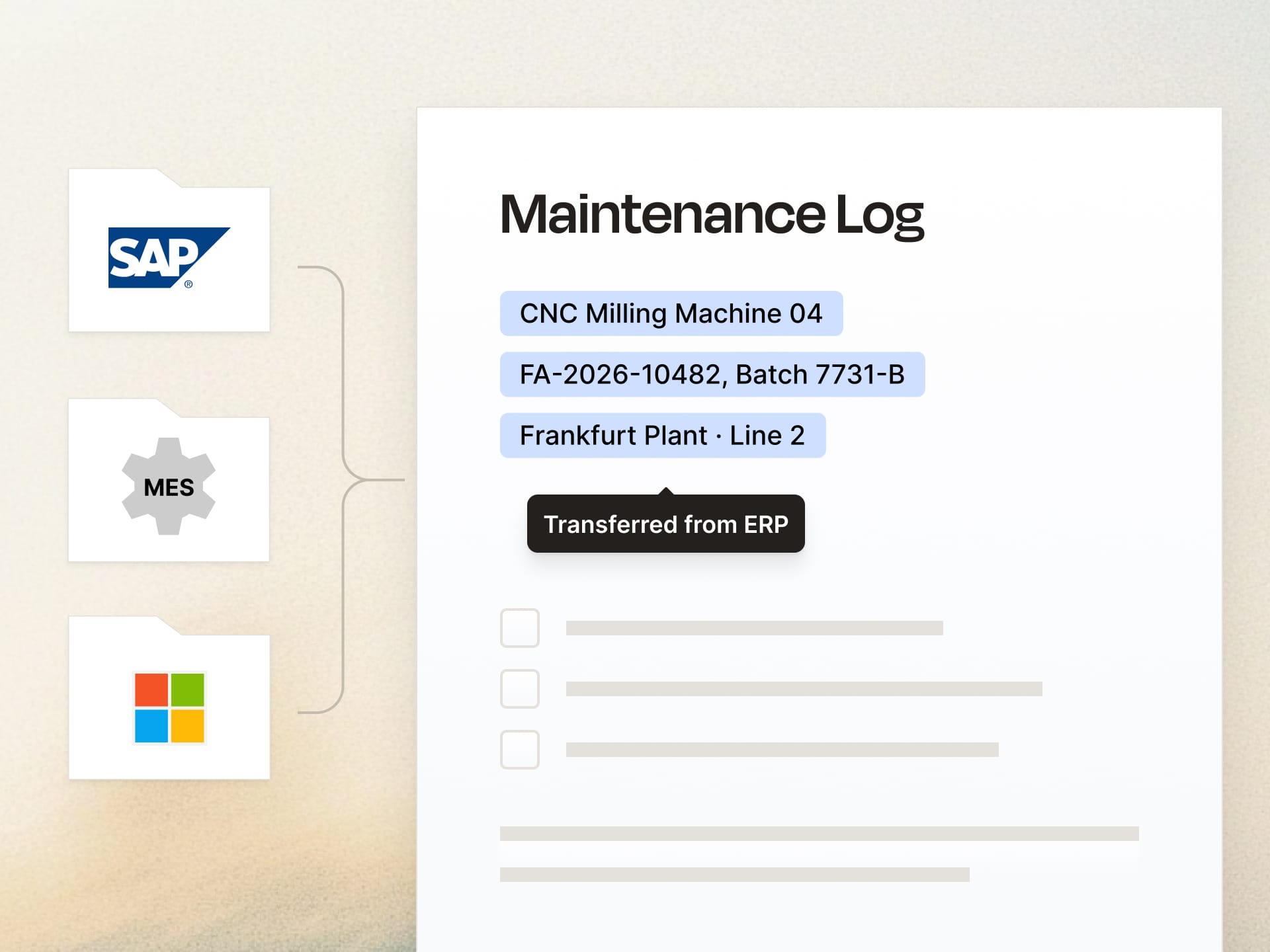
Manually, on a schedule, or automatically from ERP, QMS, or MES: maintenance interval reached, goods receipt posted, order released. The report appears on the tablet instantly, pre-filled with asset, batch, and order.

2

Capture & approve

Operators and technicians complete inspection steps, document them with photos, and sign on the device. Shift supervisors or QA approve under the four-eyes principle. Notified automatically, in the right order.

3

Archive

Every report is completed with AES or QES, timestamped, and stored in an audit-proof archive. Per asset, batch, or order, verifiable for years.

Your next audit in minutes, not days.

Auditors ask for evidence, not binders. Every report shows who inspected, approved, and signed what, and when – with a qualified timestamp, versioned template, and long-term validation.

Advanced (AES) or qualified electronic signature (QES) under eIDAS

Complete audit trail and versioned templates

Audit-ready evidence for ISO 9001, IATF 16949, and ISO 45001

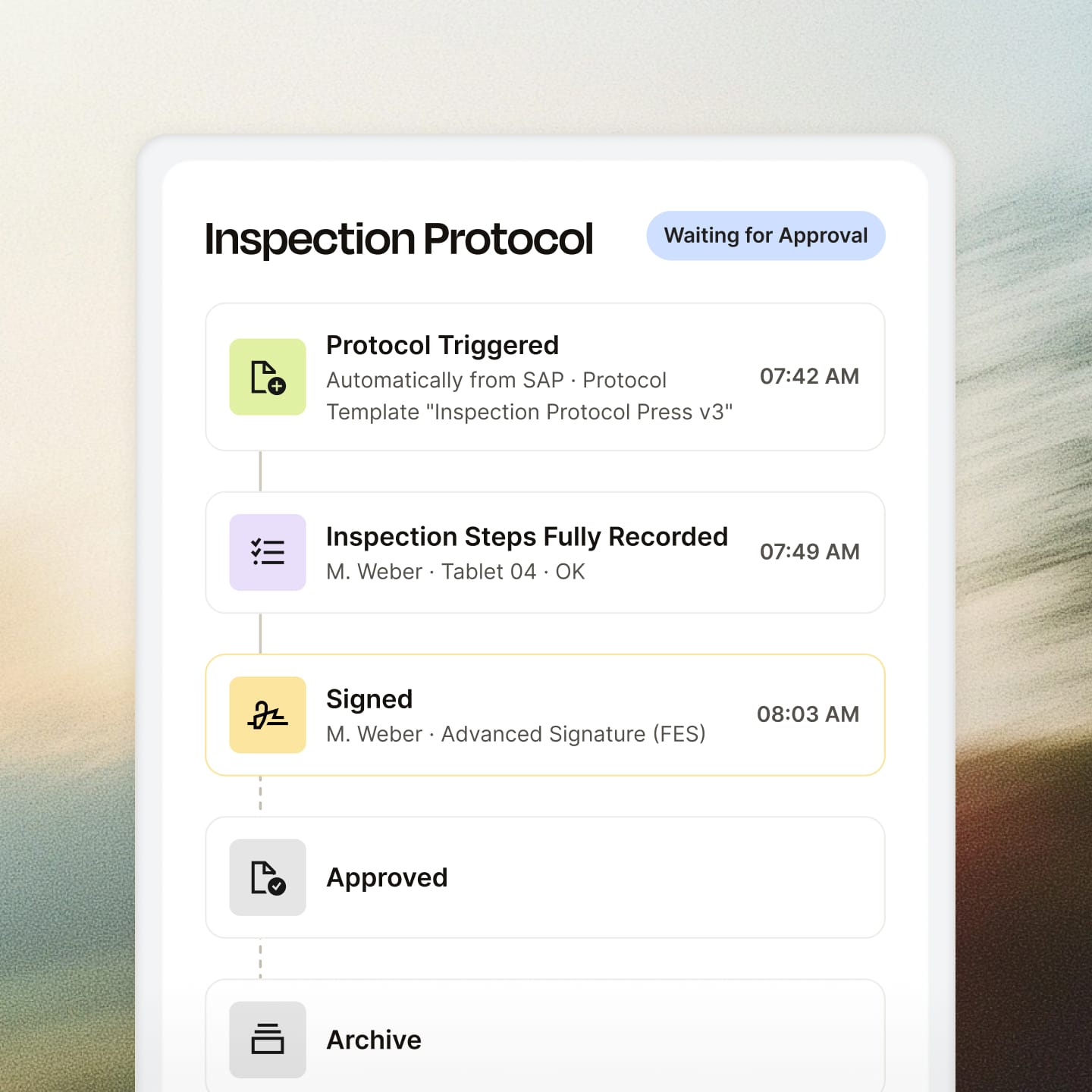
Digital display of an inspection report with the status “Waiting for Approval.” Four steps are shown: “Report Triggered” (Automatically from SAP, 07:42), “Inspection Steps Fully Recorded” (M. Weber, Tablet 04, 7:49 a.m.), “Signed” (M. Weber, Advanced Signature, 8:03 a.m.), followed by two inactive steps: “Approved” and “Archive.”

Fits right into your ERP, QMS, and MES.

Start reports automatically from your systems and write results back – via REST API and webhooks

Pull in asset, order, and batch data automatically instead of maintaining it twice

Connect SAP, Microsoft, and your other systems – we’ll guide you through the setup

The diagram shows a maintenance log with entries for CNC milling machine 04, FA-2026-10482, batch 7731-B, Frankfurt Plant, Line 2, with the note “Imported from ERP” next to the SAP, MES, and Microsoft logos.

Recommended by our customers

Industrial companies like Castolin Eutectic use Paperless for audit-proof, cross-departmental document management.
OMR Reviews Badge: Leader Online-Formular-Builder Q1 2026
OMR Reviews Badge: Top bewertete E-Signatur-Software Q1 2026
OMR Reviews Badge: Top 100 Tool in der DACH-Region 2026

Since switching to Paperless, our internal and external approvals and signatures are simple, digital, and time-saving. It doesn’t get any better.

Anne Morgan, Group Data Protection Officer, Castolin Eutectic
100%
Digital document management
5+
Departments connected
Zwei Industriearbeiter in Schutzhelmen unterhalten sich in einer großen, gut beleuchteten Fabrikhalle, während sie Tablets in der Hand halten.Zwei Industriearbeiter in Schutzhelmen unterhalten sich in einer großen, gut beleuchteten Fabrikhalle, während sie Tablets in der Hand halten.

One platform. Countless possibilities.

Inspection reports

Icon Garage mit Pfeil nach unten

Incoming goods inspections

Acceptance reports & FAT

Workflows Icon

Setup reports

Icon Werkzeug

Maintenance reports

Icon Warnsymbol mit Lupe

Fault and damage reports

Icon Mensch mit Helm

Safety briefings

Risk assessments

Icon mit Chat und Smiley

Site inspections & Gemba walks

Icon Computer mit Pfeil nach unten

5S audits

Icon Dokument mit Checkmarks

Work instructions

Contractor safety briefings

Maximum security and 100% GDPR compliant.

Data remains in Germany

Servers and subcontractors located exclusively in Germany

GDPR compliant

Protection of Personal Data in the EU

Regular security audits

External penetration tests several times a year

Hash-based signature

With an API connection, the document remains in the system; only its hash is signed.

Secure Login

SSO (OAuth, OpenID Connect, ADFS), SCIM provisioning, and 2FA via TOTP

Role-Based Access Control (RBAC)

Precisely Control Access Rights

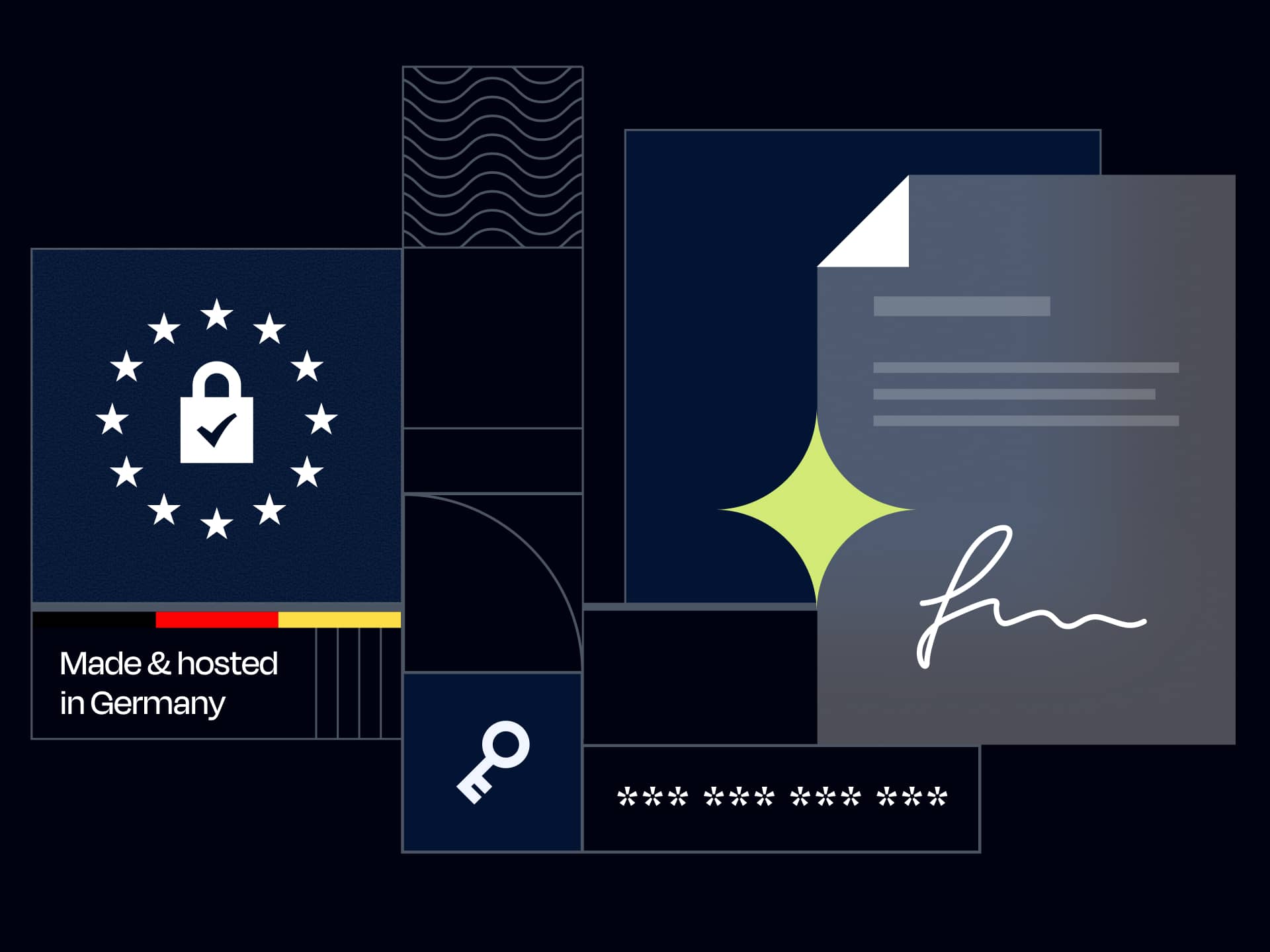
Illustration mit einem Schloss, das von Sternen eines Kreises umgeben ist, einem Dokument mit Unterschrift und einem Schlüssel, inklusive Text "Made & hosted in Germany" und Hinweis auf "Company ID".
FAQ

Frequently asked questions

Is a signature on a tablet legally valid?

Yes. Paperless supports all eIDAS signature levels. For inspection reports and internal approvals, the advanced electronic signature (AES) is usually sufficient; where written form is required or the liability risk is high, the qualified electronic signature (QES) is used.

Does it also work without internet on the shop floor?

Yes. Reports can be completed offline; photos and measured values are cached locally and synced as soon as a connection is available again.

Can we migrate our existing paper reports?

Yes. Templates are rebuilt in the no-code editor – with mandatory fields, if-then logic, and plausibility checks that never existed on paper.

How do we connect Paperless to SAP or our MES?

Via our REST API and webhooks. Your SAP or MES starts a report with an API call and passes along asset, order, and batch data, so nothing has to be maintained twice. As soon as the report is completed, a webhook sends the result back to your system. We’ll support you personally during setup.

Does this meet our audit requirements?

Every report carries a signature, a qualified timestamp, and a complete audit trail; templates are versioned. This lets you fully demonstrate documented information per ISO 9001, IATF 16949, or ISO 45001.

How quickly can we get started?

The platform is ready to use right away. Create a template, define recipients, fill it out on the tablet. Try it free for 14 days, no credit card required.

Your first inspection report is ready in under an hour.

Legally compliant signatures, interactive forms, and efficient workflows. Made in Germany.